When I exported the ellipses and ribbons maze, I had the what background layer invisible, but didn’t notice for some reason. Here’s the maze as originally designed:

from dot to dot

When I exported the ellipses and ribbons maze, I had the what background layer invisible, but didn’t notice for some reason. Here’s the maze as originally designed:
from dot to dot
Though the ribbons and parallel paths may look like they pass over and under each other, this maze is designed to be purely flat.
There’s a very simple way to solve it, and a more complex way to solve it. Â Either way, the path does not cross any dark lines.

travel from dot to dot
Start from one dot and go to the other dot. Top left to bottom right is easier than the other way around.

from dot to dot
Click the spoiler to see 20 steps how this was made, including the solution!
This took a while to create. Â I started with a maze that followed a grid and then curved all the curves smoothly with meticulous cutting and pasting of quarter circles. Â I don’t know if there’s a faster way to do it with Gimp, but Travis was able to recreate something like this much more quickly with Illustrator, I think he said.
If you follow the paths without turning sharply, it’s relatively difficult to travel between the white nodes that are diagonally opposite each other.

travel like a train from stations in diagonally opposite corners
I am thrilled when I get to draw mazes for people to publish! I made this maze for the book Aba and Shamana, by Cynthia L. Floriani.
Help Aba follow the paths to reach Shamana!

Help Aba reach Shamana
I made this maze at Sarutahiko Coffee shop in Ebisu. Â They have a fun friendly environment and great cocoa! Â English writeup on timeout.jp
It my first maze after I learned how to use the paths tool a bit more effectively.

Travel from 1 dot to 2 dots
From the top right spiral to the bottom right spiral, only via gentle curves.

smoothly travel from top right spiral to bottom right spiral
Much easier than last week, but subtly related to that maze. Can you see how?
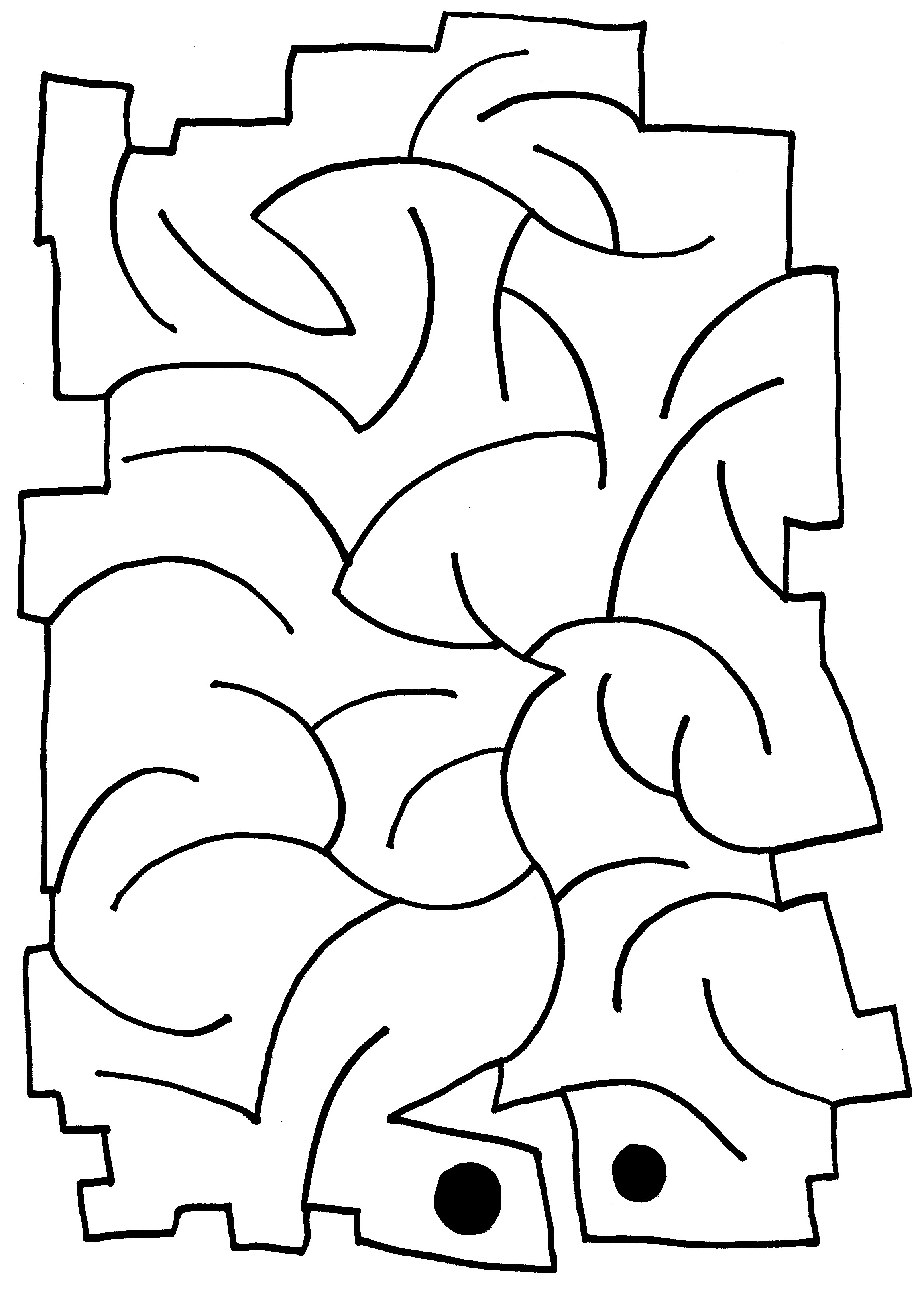
from dot to dot
Good for a windy day, a windy maze! Travel from dot to dot.
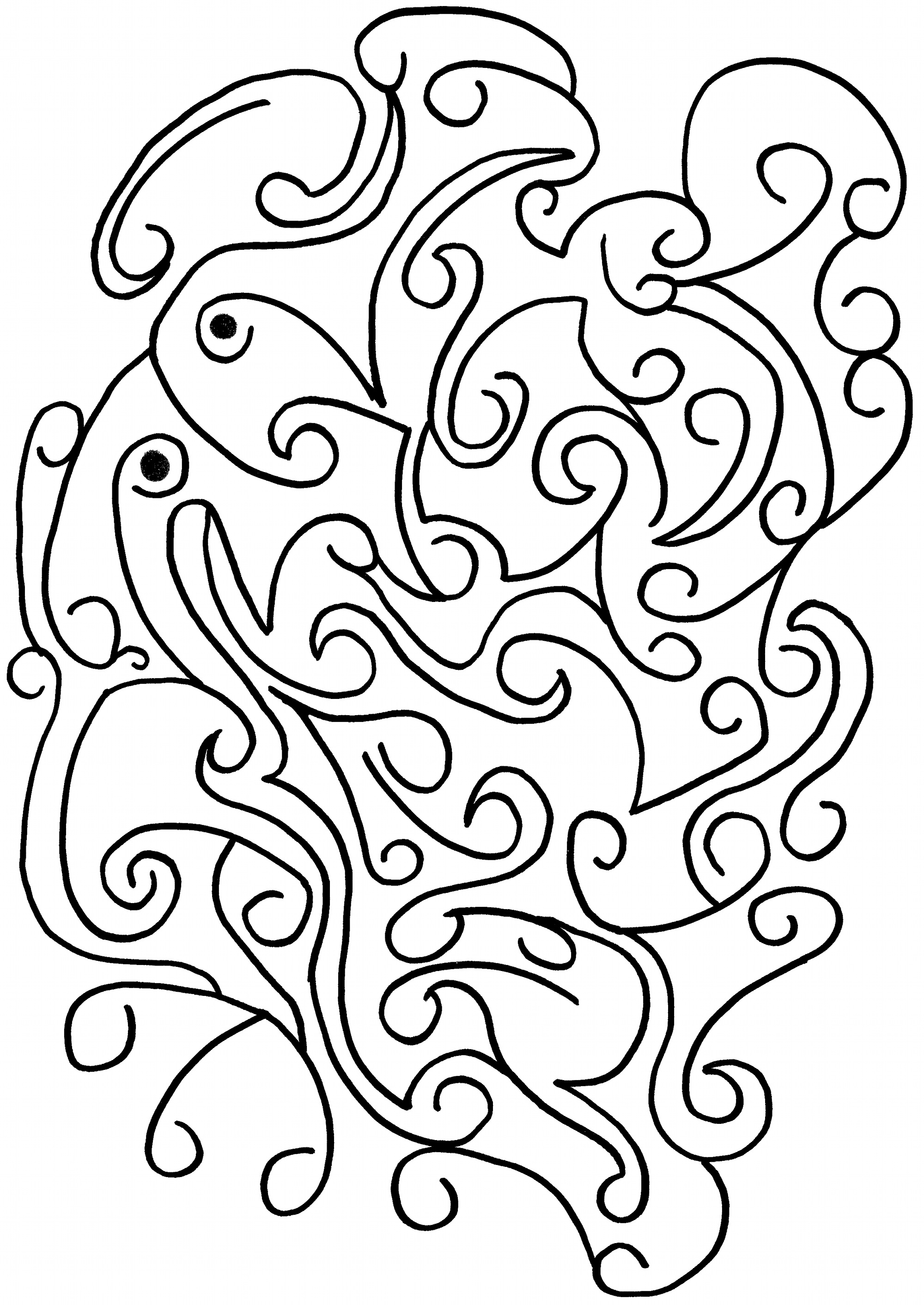
travel between the swirls from dot to dot


